
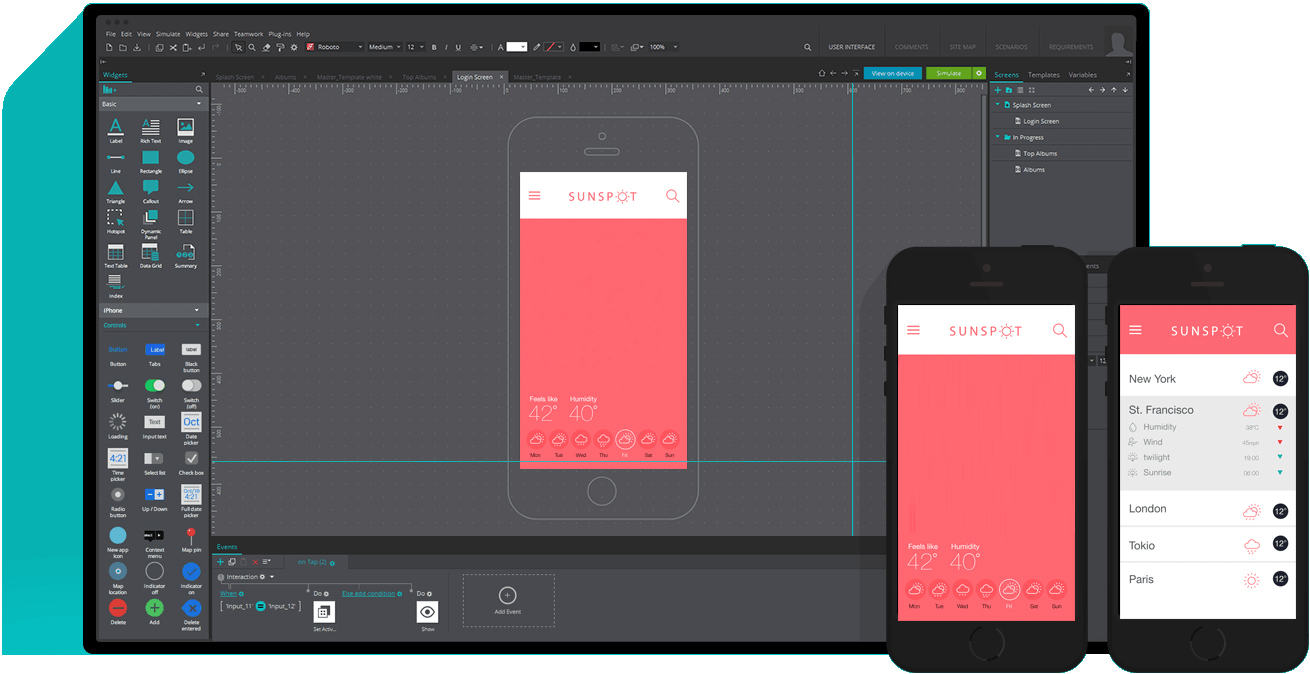
Interactive prototypes allow teams to visualize user flows and functionality before coding. They reduce risk, improve communication, and optimize UX across web and mobile applications.
Types of Prototypes
- Low-fidelity: Simple sketches or wireframes, focuses on structure
- Mid-fidelity: Basic clickable prototypes, includes navigation and flow
- High-fidelity: Fully interactive with real content, simulates final product
Benefits of Interactive Prototyping
- Identify usability issues early
- Align stakeholders and development teams
- Reduce rework and save costs
- Test core workflows with real users
Prototyping Workflow
- Define Goals: Identify critical features to test
- Wireframe: Sketch layouts for screens and user flows
- Develop Prototype: Use tools like Figma, Sketch, or InVision
- Test: Conduct usability tests and collect feedback
- Iterate: Refine prototype before final development
Tools for Prototyping
- Figma: Cloud-based collaborative tool
- Sketch: Mac-based with interactive plugins
- Adobe XD: End-to-end design and prototyping
- InVision: Clickable prototypes and stakeholder reviews
Collaboration Tips
- Include product managers, designers, and developers early
- Document feedback and iterations clearly
- Prioritize core workflows over peripheral features
- Keep stakeholders updated with regular prototype demos
Interactive prototyping bridges the gap between design and development. By testing ideas early, businesses deliver better web and mobile apps faster, reduce errors, and improve user experience.